Light and dark, built in
Both colour variations ship with the style. Members switch with one tap in the header or footer.
XenForo 2.3 style · Light & dark
A calm, illustrated community style for XenForo 2.3, with light and dark modes, 23 original illustrations and default profiles for members and staff.
Included with every XFMobile Suite licence. XenForo 2.3.11+.
Real screens
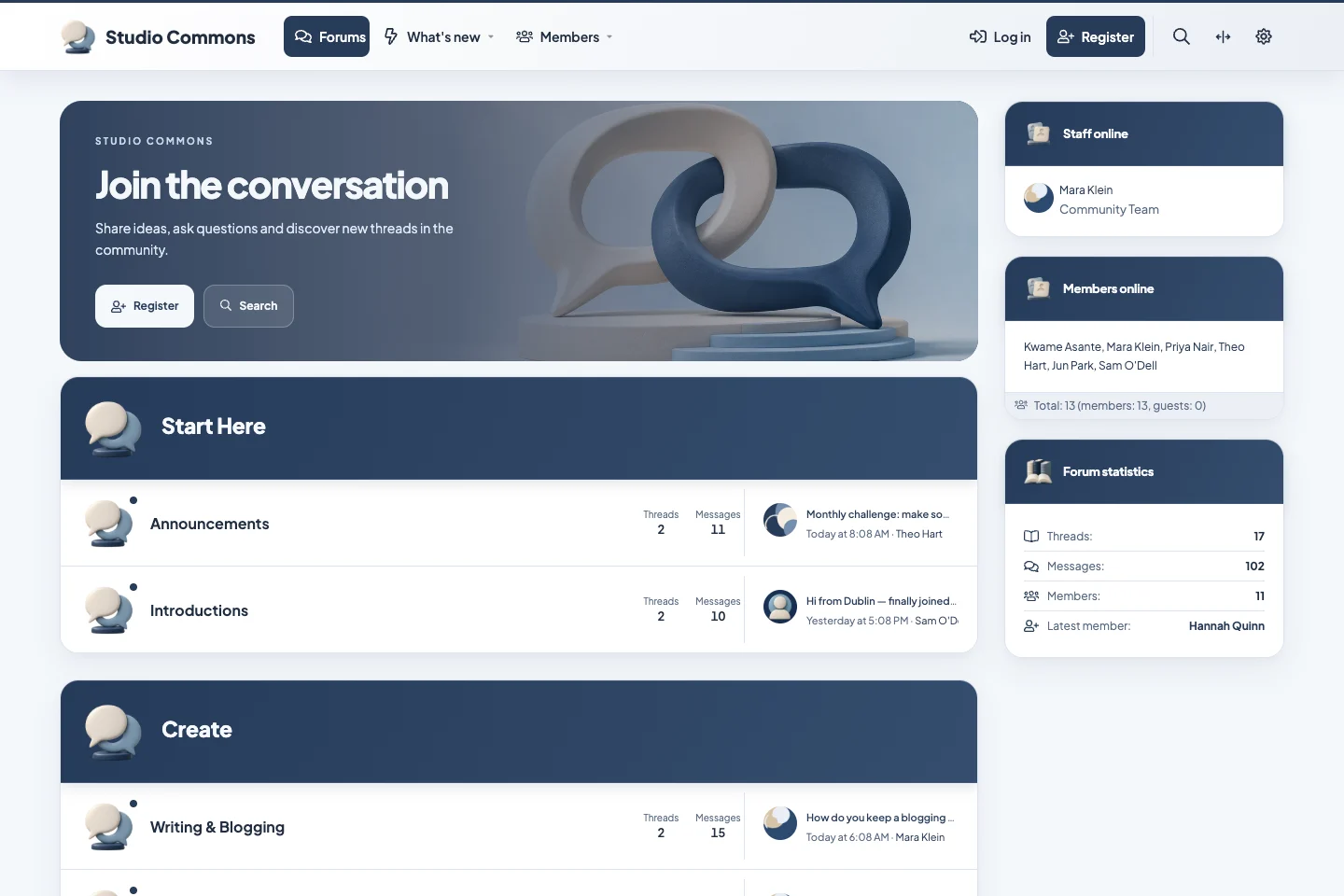
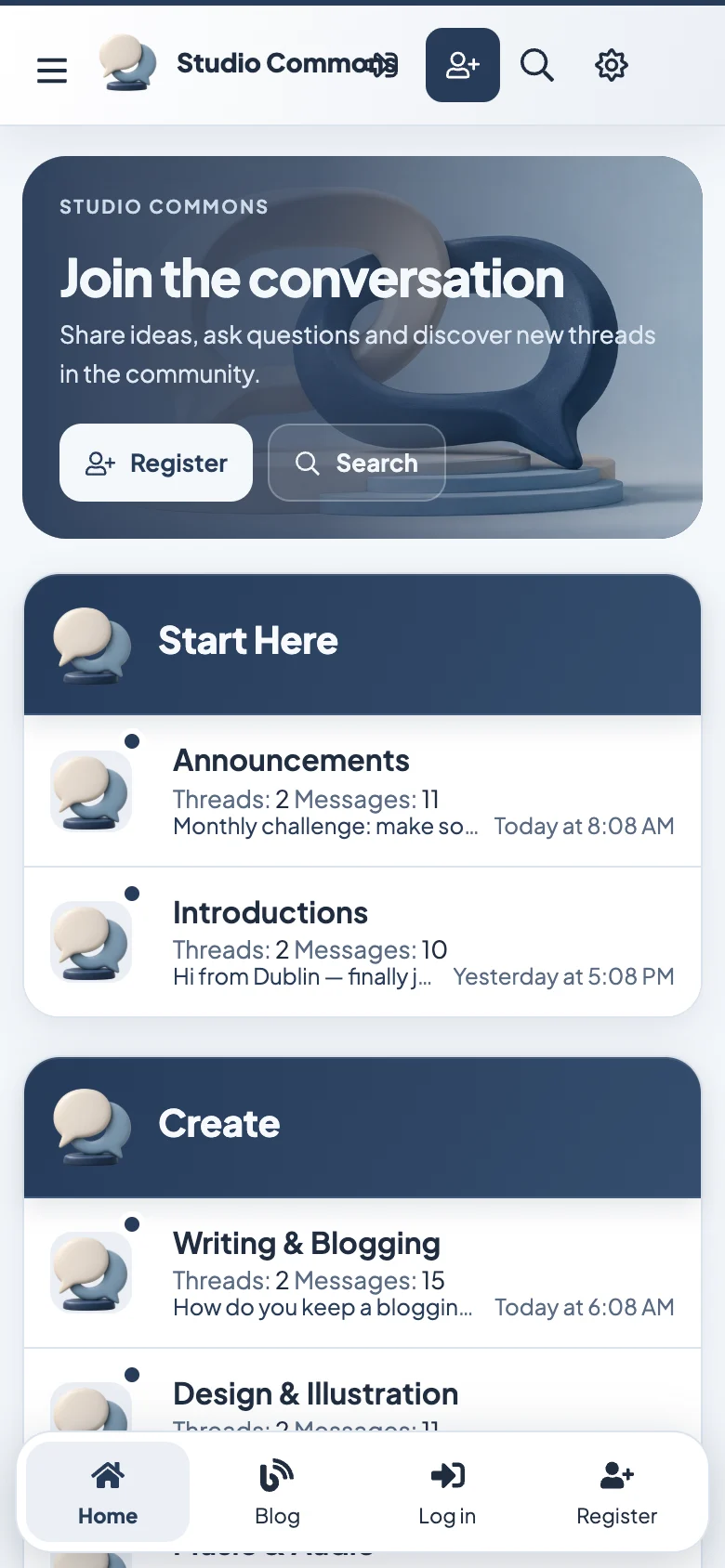
Captured from XenForo 2.3 with the style installed and sample content. Try the demo yourself →
Forum home in light mode: community cover, category headers and the online sidebar
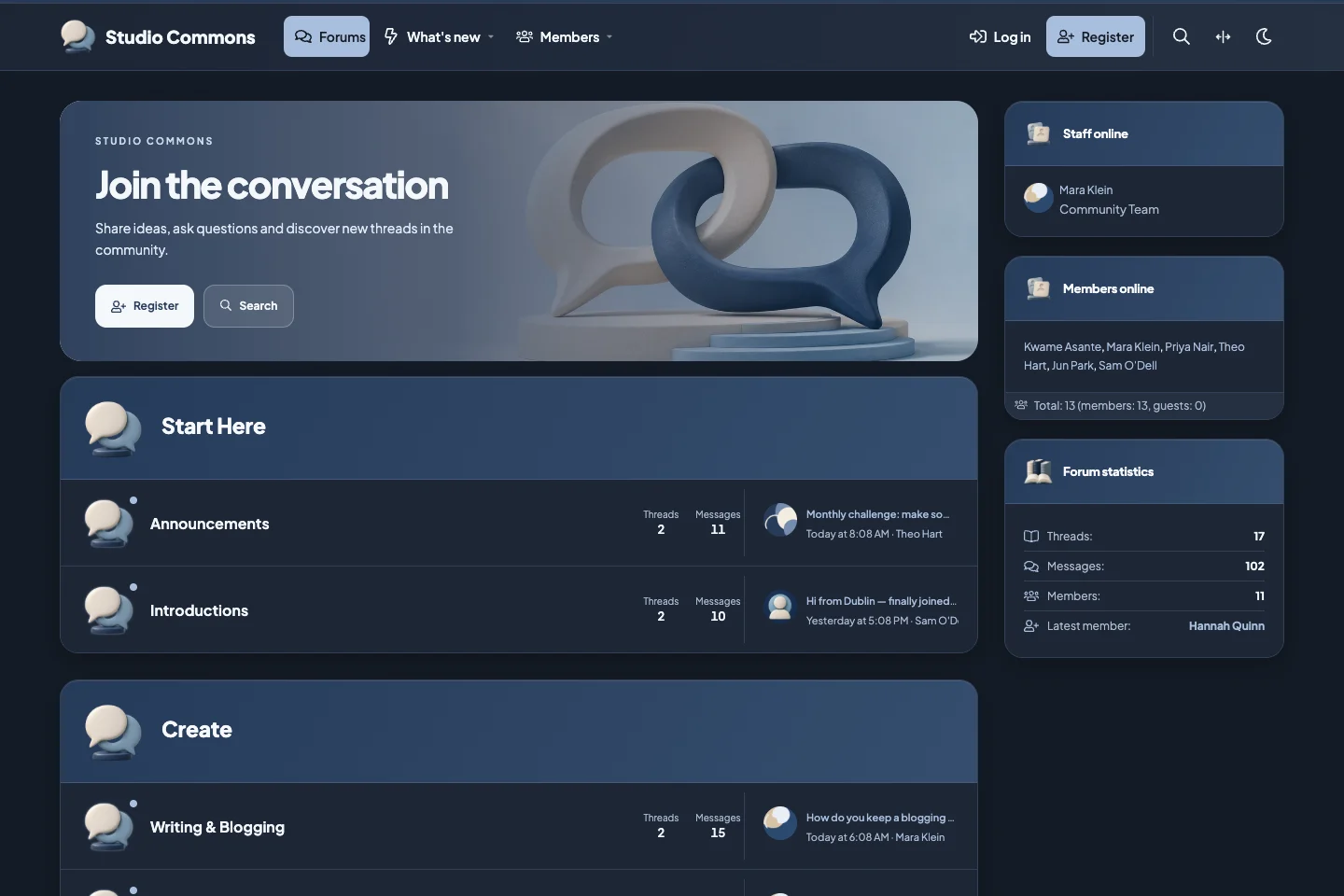
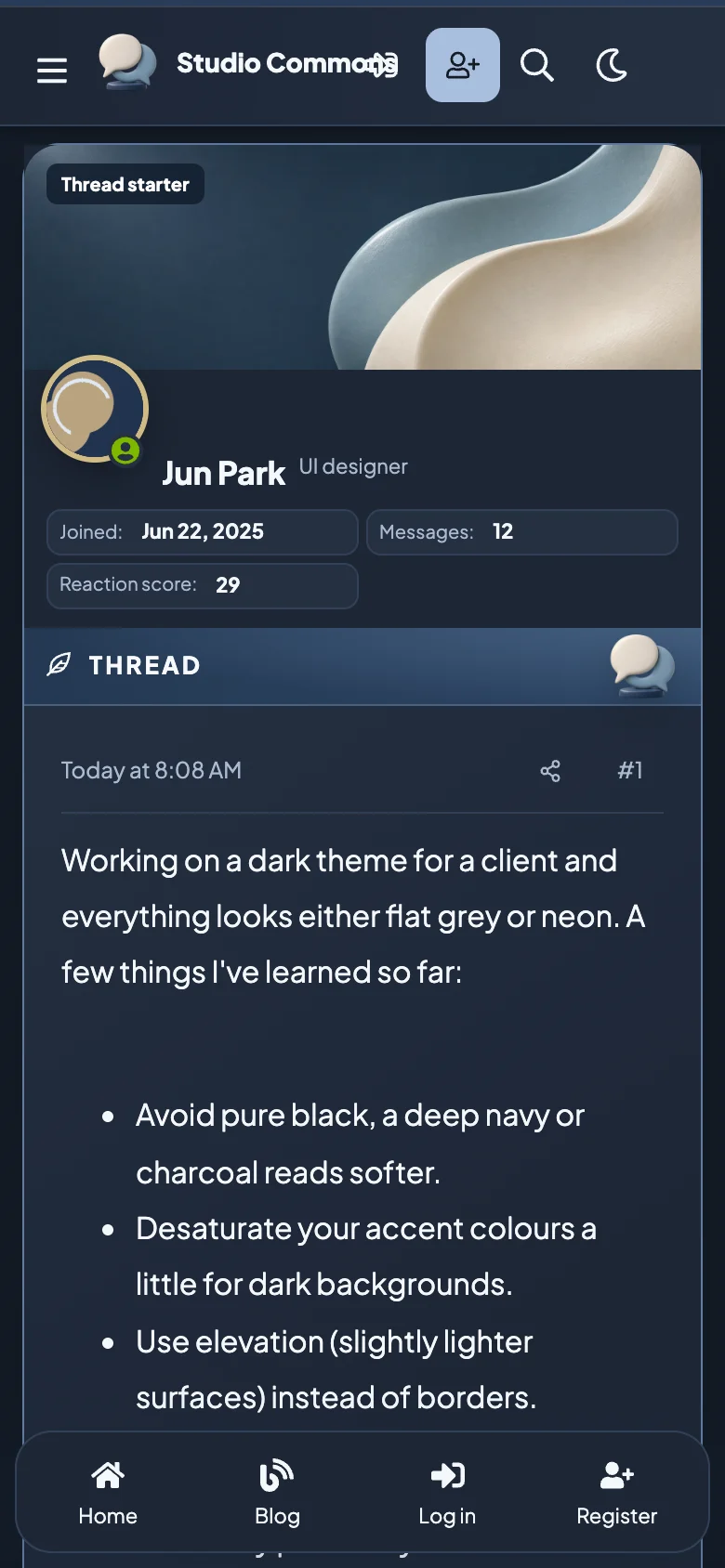
The same forum home in dark mode
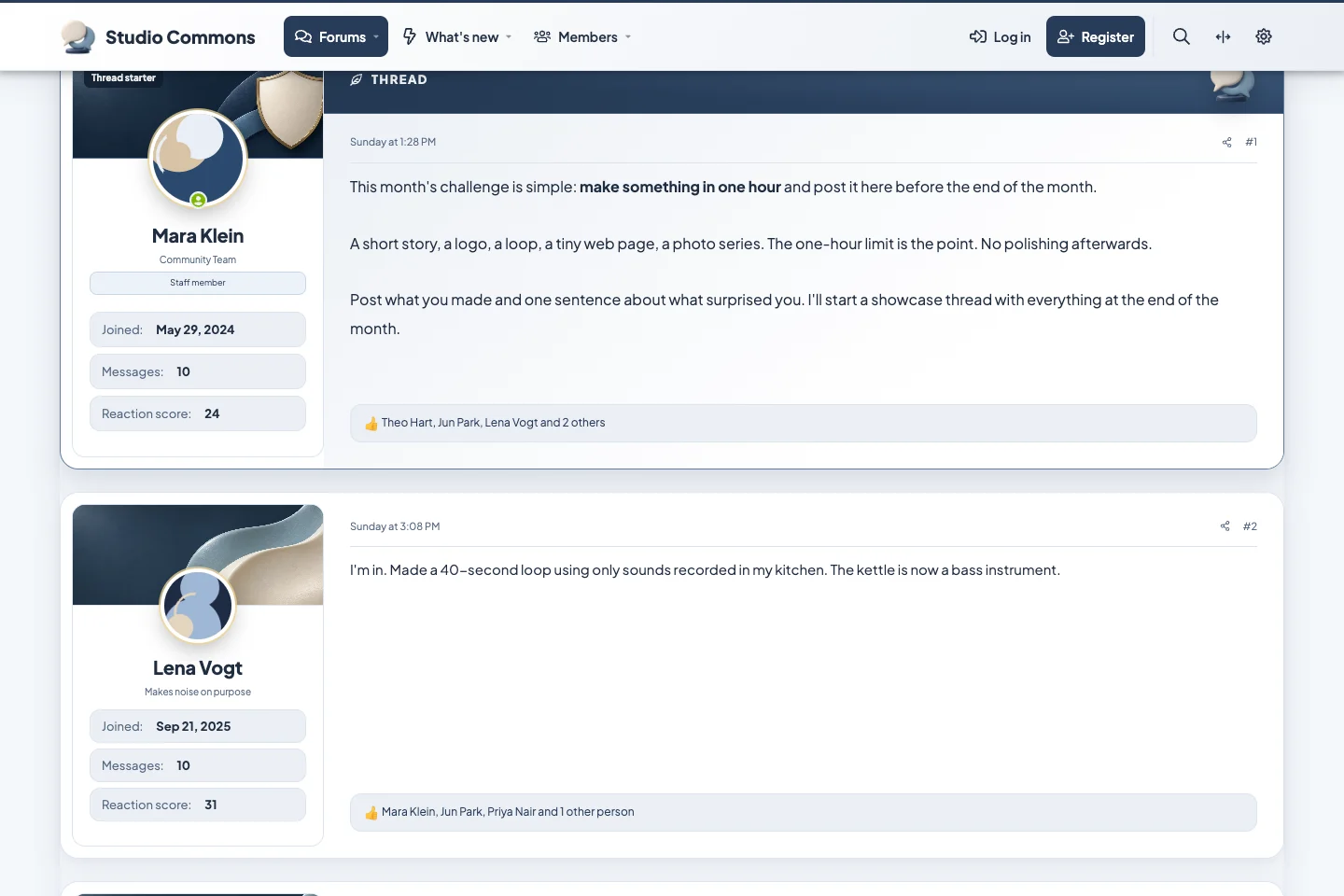
A discussion with member cards, profile covers and reactions
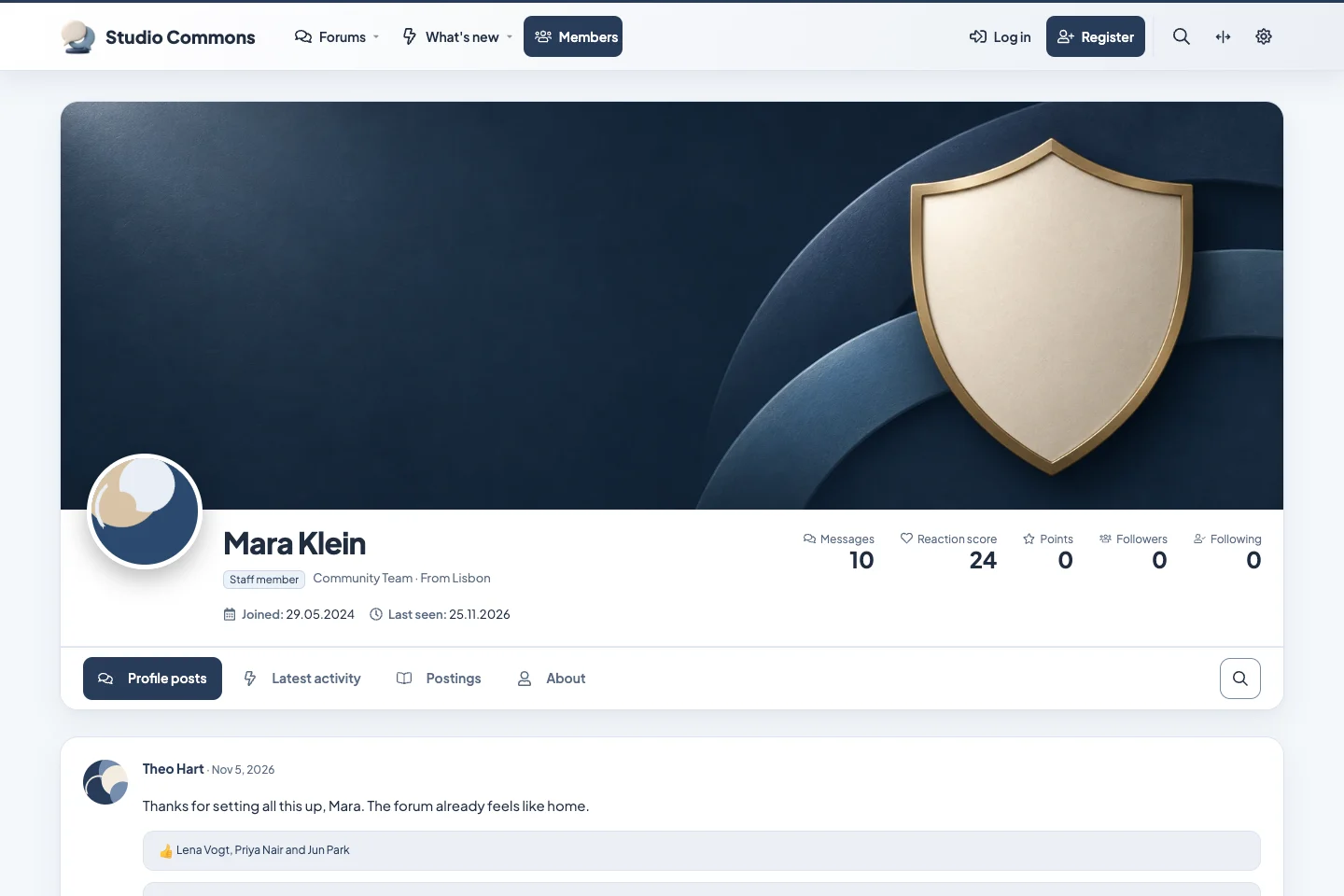
Staff profile with the shield cover and avatar
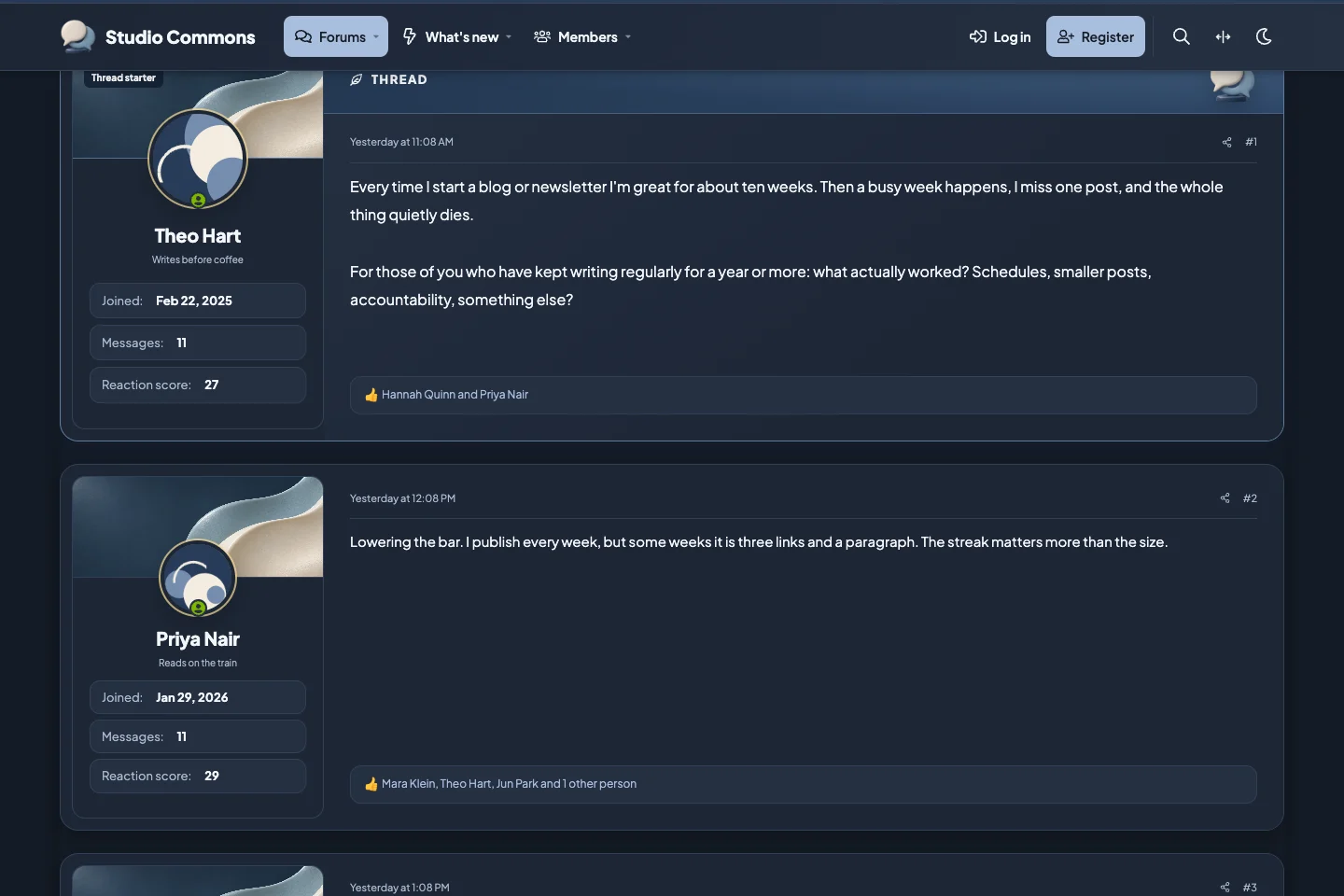
A discussion in dark mode
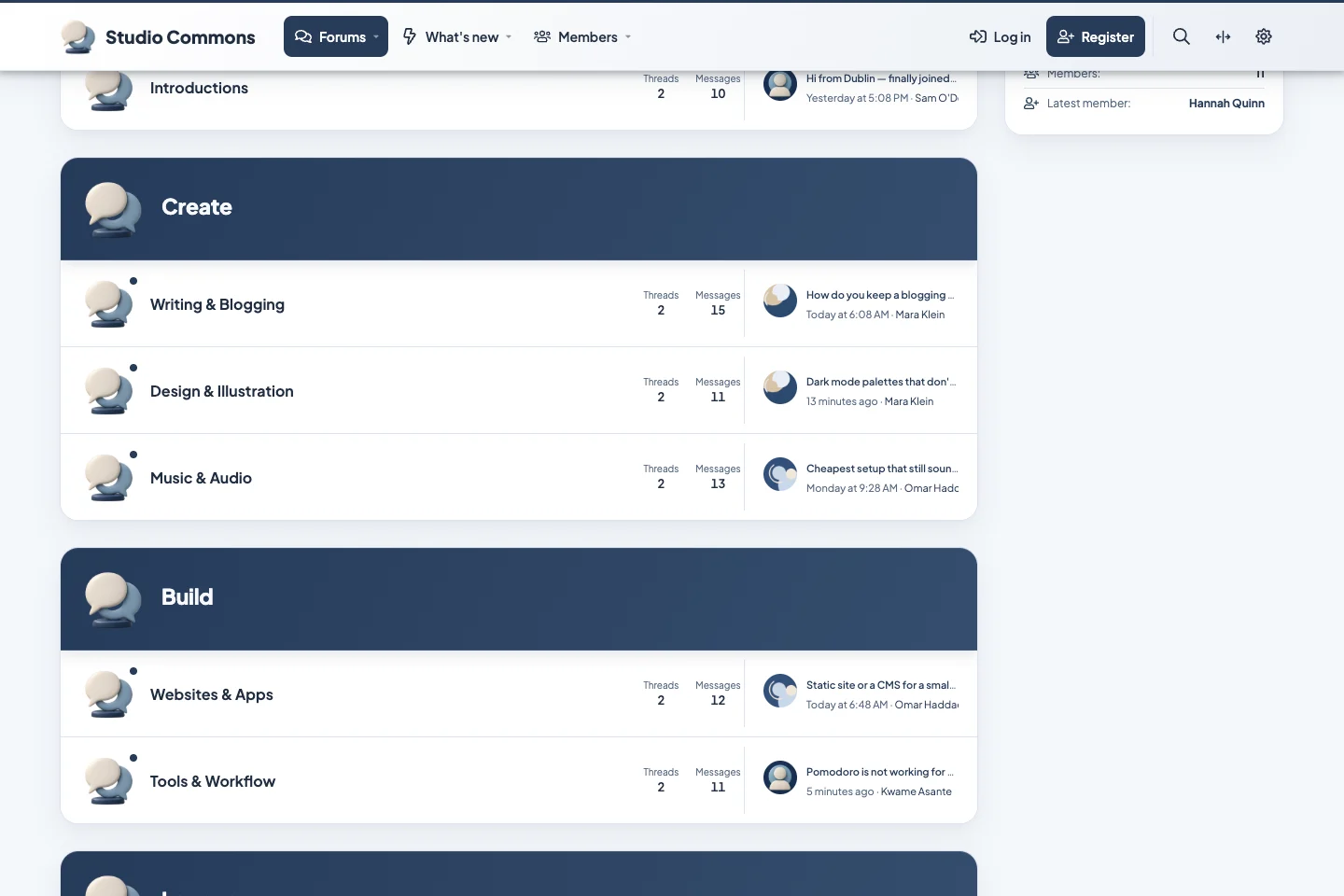
Categories and forums with the shared category symbol
Demo members, threads and replies are sample content. Your forum shows your own community.
What you get
Install it in one step, add your logo and your forum looks designed, on desktop and on phones.
Both colour variations ship with the style. Members switch with one tap in the header or footer.
Covers for the home page, sections, sign-in and profiles, plus empty-state art for search, inbox and new forums.
Default avatars and profile covers, with a shield set for administrators and moderators. Uploaded avatars always win.
The header uses your board title and the theme symbol until you add your own logo in the standard style properties.
Appearance → Styles → Import, choose the ZIP and the style arrives with every image. No add-on to install.
A bottom navigation bar, roomy touch targets and covers that crop well on small screens.
Forum Studio gives each part of a XenForo forum its own artwork. Categories get proper headers with a shared illustrated symbol, the home page opens with a cover and a clear call to join, and every profile has a cover image from the first day, even before a member uploads anything.
It started as the style of our own XenForo community. We rebuilt it as a topic-neutral theme so it fits a hobby forum, a professional network or a support community just as well.
Forum Studio uses XenForo 2.3 style variations, so light and dark are one style with two looks. Members choose with one tap; your customisations apply to both. The dark mode uses a deep navy base instead of pure black, so cards stay readable at night.
New forums often look empty because every member has a blank avatar and no cover. Forum Studio gives members a soft illustrated avatar and cover, and gives administrators and moderators a shield set, so staff are easy to recognise in threads. As soon as someone uploads their own picture, XenForo uses it instead.
You import one ZIP under Appearance → Styles → Import, and the style arrives with every image in place. To update, import the new ZIP over the existing style. Add your logo in the standard style properties and edit the cover and footer texts in the Forum Studio section.
One forum · One year of updates
One-time payment. You get the XenForo style, the 23 original PNG illustrations and a year of updates. Already have XFMobile Suite? Forum Studio is included — download it from the customer portal.
Light and dark XenForo 2.3 style with 23 illustrations and member/staff default profiles. One forum, one year of updates.
Questions